無料の画像からSTL変換ツール

画像をオンラインで無料かつ高品質にSTLへ変換。このウェブベースのコンバーターはソフトウェアのダウンロード不要でブラウザ上で動作し、クリーンで3Dプリント対応のSTLファイルを生成します。
変換元
変換先
ファイルをここにドロップまたは クリックしてアップロード
.PNG.JPG.JPEG.WEBP.BMP.TIFF.GIF
最大ファイルサイズ:50 MB
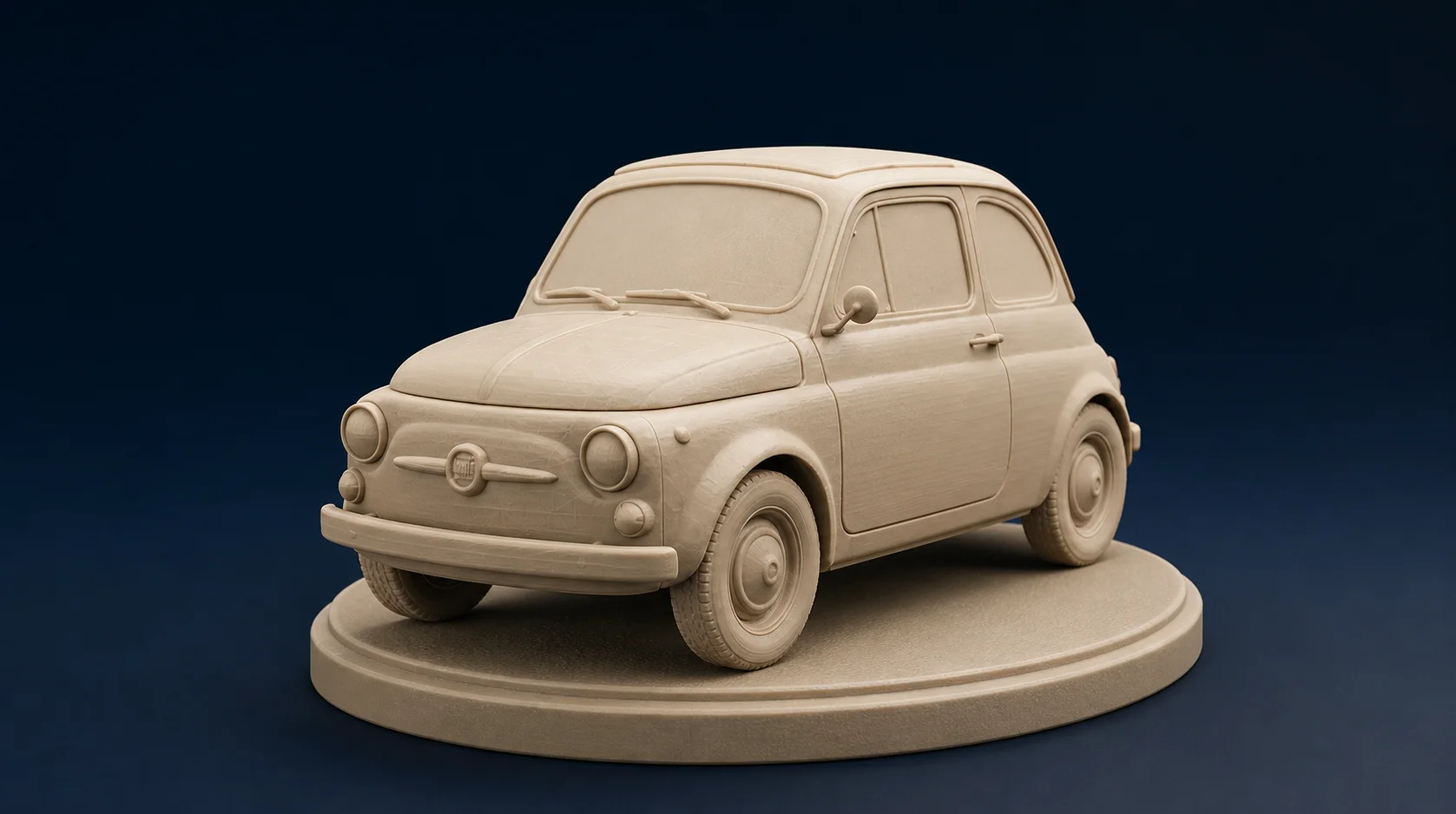
アップロードされた画像から生成された3Dモデルのプレビュー。ソリッド表示とワイヤーフレーム表示で表示。

メイカーや3Dプリントのプロに愛用されています

どんな画像も数秒でプリント可能な3Dモデルに変換 — アカウント不要、ソフトウェア不要、学習コスト不要。

4.8 / 5.0
Rated by 3D printing makers
500,000+
Models converted
100% Free
No signup required

ユーザーの声

Dropped in a photo of my sketch and had a printable STL in seconds. Sliced clean in Cura on the first try.

Marcus Reed
Maker & 3D Printing Hobbyist

The geometry detail is genuinely impressive for a free browser tool. It saved me hours of manual modeling.

Elena Vasquez
Product Designer

I batch a lot of reference images into models for prototyping. The watertight meshes print without repairs.

Tom Becker
Tabletop Miniature Creator

お気に入りのスライサーや3Dソフトウェアに対応

CuraPrusaSlicerBambu StudioOrcaSlicerBlenderFusion 360TinkerCADLychee Slicer

画像をSTLに変換する方法

1

Upload an Image File

Open our Image to STL workspace and drag and drop your image into the upload area. We support popular formats including JPG, PNG, WEBP, BMP, TIFF and GIF. The maximum supported file size is 50MB.

2

Convert to STL

Click "Convert to STL" to turn your image into a 3D model. Our tool generates aligned geometry and clean meshes during conversion without requiring any technical knowledge or additional software.

3

Download Your Model

Once generation completes in seconds, click the download button to save your STL 3D model. Get a print-ready 3D model from a 2D image in seconds, not hours or even days.

Intricate geometry details

Preserve complex geometric structures during conversion with our AI technology. Experience breathtaking realism with intricate mesh details, ensuring your 3D models maintain the precision of their original 2D images.
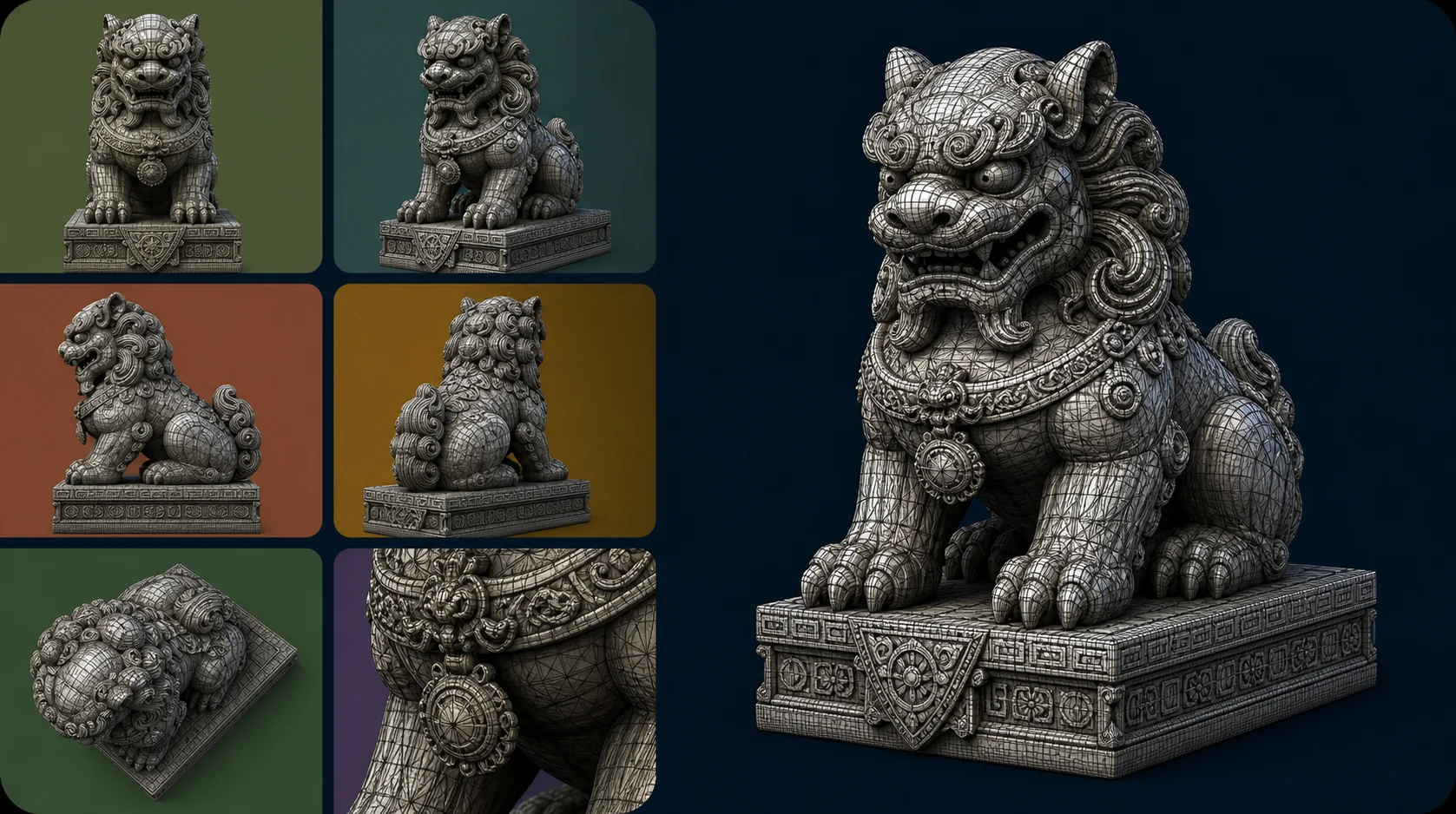
High detail 3D model showing intricate geometry converted from an image

Unmatched surface quality

Our AI captures fine surface relief and sharp edges during conversion, producing high-fidelity geometry with preserved detail accuracy. The result is a clean, watertight mesh that stays true to your original image.
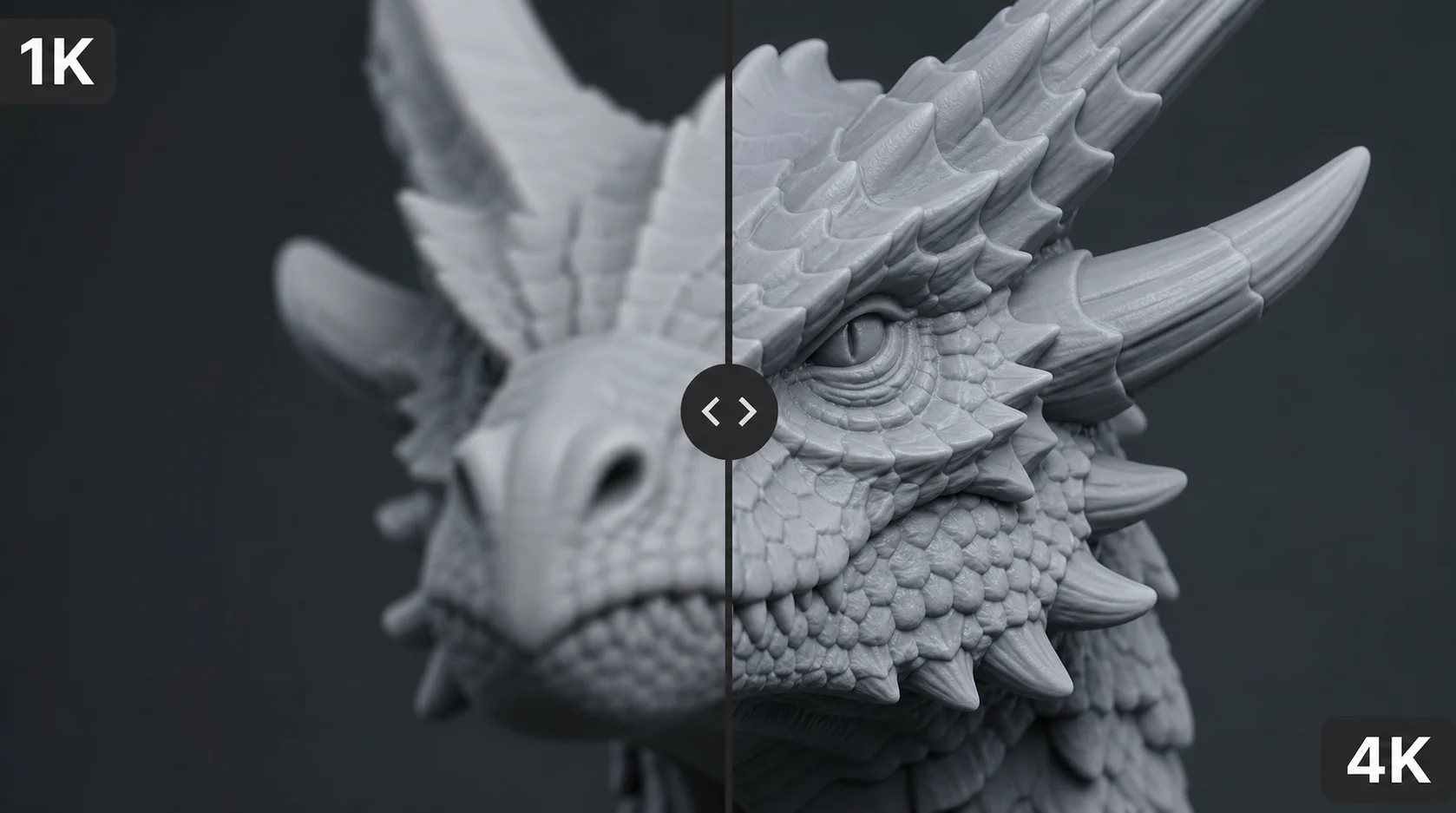
3D model showing clean, high-fidelity surface quality

Wide range of styles

Convert everything from photorealistic subjects to stylized props without quality loss. Our versatile tool handles diverse artistic styles, preserving the unique aesthetic of each model regardless of the original image.
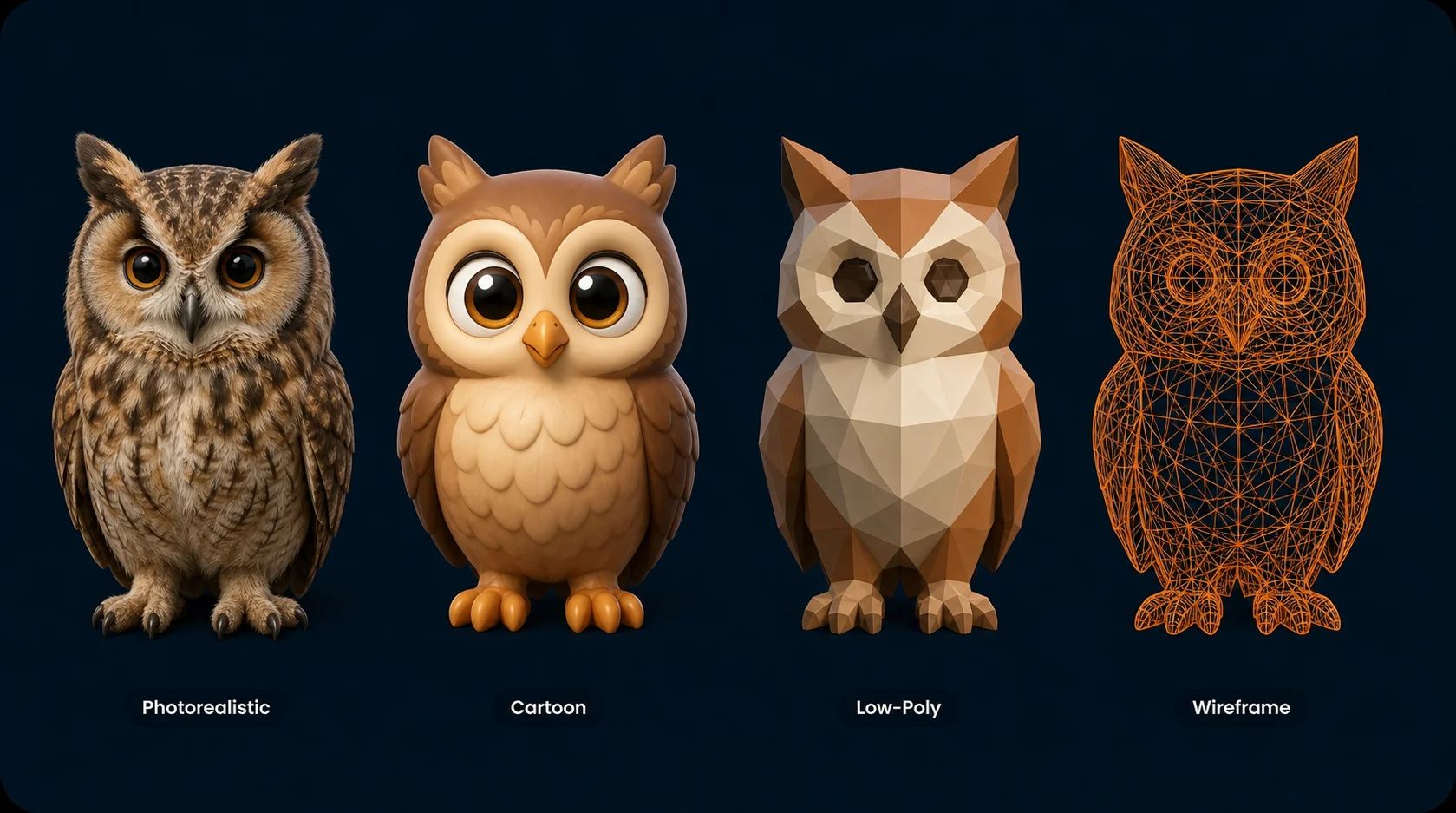
Grid of 3D models in different styles converted from images

よくある質問

Why use the Image to STL converter?
Our Image-to-STL converter is built for fast 3D workflows: upload an image, we generate a 3D model from it, and you export an STL file for your 3D printing workflow. Everything runs directly in your browser, with no installation required.
How many STL files can I convert at once?
You can convert one file at a time for free. For larger pipelines that need batch conversion and faster turnaround, those are available on our paid plans.
Is it safe to upload my image files to this converter?
Yes. Your files are processed securely and are not shared with third parties. Uploaded images are removed from our cache automatically, so your work stays private.
How long does it take to convert an image to STL?
Most image-to-STL conversions complete in seconds. The duration depends on the source image, the desired level of detail, and the complexity of the generated mesh. If it takes longer, try a clearer subject, a smaller file, or a simpler perspective.
Key considerations before converting an image to STL
Keep three things in mind. First, the image should have clear contours and as little distracting background as possible. Second, check the STL file in your slicer before printing — wall thickness, scale, and closed geometry. Third, STL does not preserve colors, materials, or textures; for colored 3D assets, formats like GLB are better suited.
How accurate is the image to STL converter?
Accuracy depends heavily on the source image. Clear contours, good lighting, and a clear perspective deliver better results. We interpret your 2D image as 3D geometry and export it as an STL file. Check the file before printing, especially for production-critical parts.
What should I check after converting to STL?
After download, check: 1. Does the STL file open in your slicer or 3D viewer? 2. Are scale and orientation correct? 3. Is the geometry watertight and 3D-print ready? 4. Are there missing faces, very thin areas, or unexpected artifacts?
Can I use the converted STL file with other tools?
Yes. Your STL works with standard slicers and 3D software like Cura, PrusaSlicer, Bambu Studio, and Blender. For surfaces, materials, or textures, choose a format like GLB depending on your target.
I am unable to convert my image to STL — what should I do?
If conversion fails, first check whether your image opens in another program. Shrink the file if it's too large, and upload a clear image with a recognizable main subject. If it still doesn't work, try PNG or JPEG as an alternative.

関連コンバーター

画像から3Dプリントまで数秒で

複雑なモデリングソフトウェアは不要です。今すぐ画像をアップロードして、印刷可能なSTLファイルを瞬時に取得してください。

無料で変換を始める