If you use image to stl to turn visual references into 3D assets, format choice still matters when a character must be animated. This guide explains why FBX carries rig data while OBJ is limited to a static mesh.
An animated character is more than its visible mesh. I choose FBX when bones, skin weights and motion need to reach a game engine; OBJ is a useful handoff only when a static shape is enough.
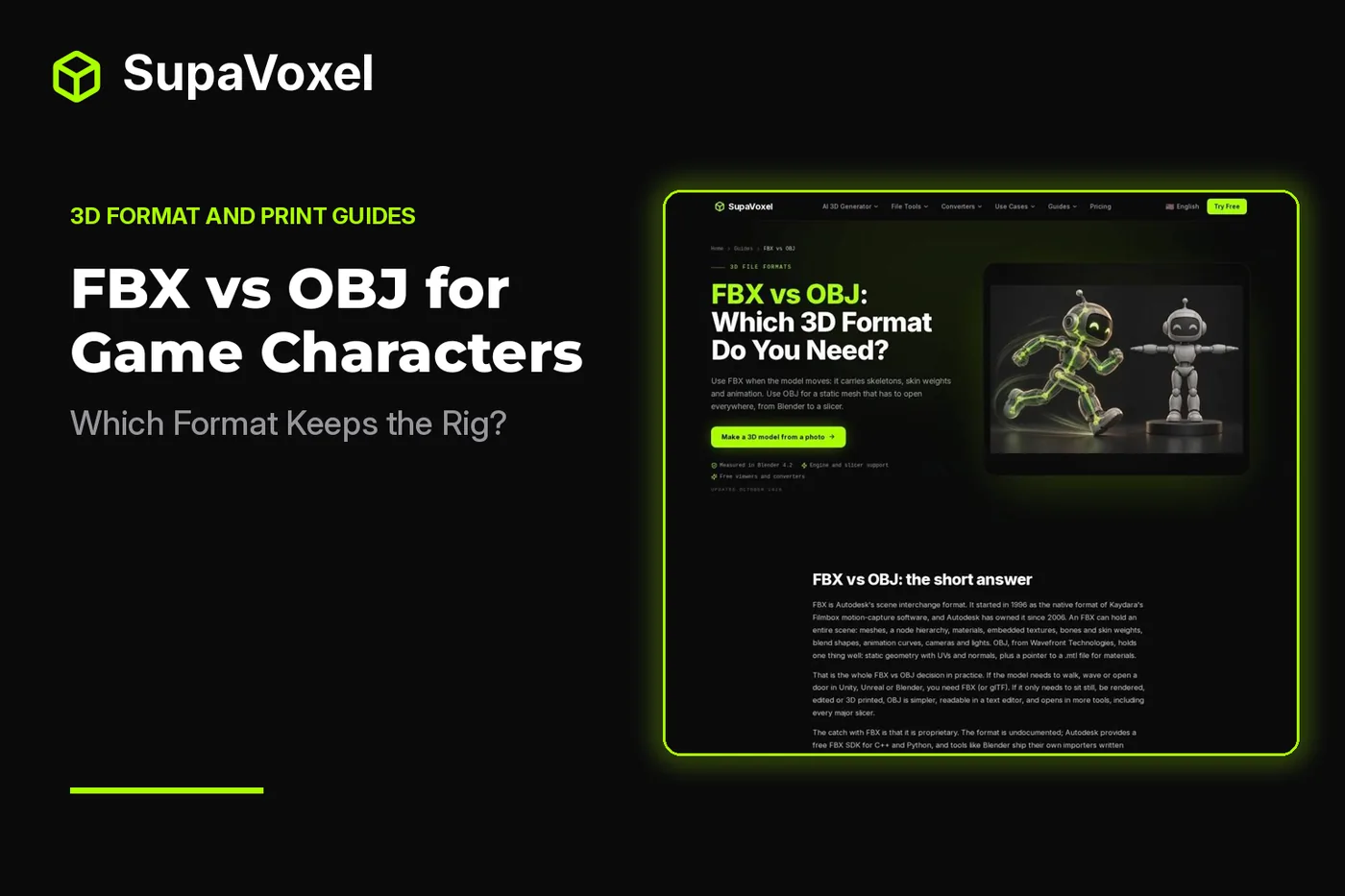
The short version
- The FBX vs OBJ guide compares what each format carries: FBX can hold a skeleton, skin weights and animation, while OBJ carries a static mesh.
- Export a character as FBX when the receiving app needs to pose or animate it. Confirm that the export actually includes the rig and clips.
- Use OBJ for a fixed-pose character, a sculpting reference or a mesh handoff where motion does not matter.
- Converting OBJ into FBX later changes the container. It does not recover bones or animation that were left behind.
What a character file needs to carry
A character can look correct in a viewport yet be unusable for animation. The visible surface is only the mesh. A skeleton supplies a hierarchy of bones; skin weights tell the software how strongly each vertex follows those bones. Keyframes describe how the bones change over time. Some characters also use blend shapes for facial expressions or other shape changes.
FBX has places for that information, along with meshes, materials, scene hierarchy and transforms. That makes it a sensible interchange format between character tools and engines. But capable of carrying a rig is not the same as guaranteed to contain one. An FBX exported from a static mesh can be just as static as an OBJ.
OBJ stores geometry, UV coordinates and normals, with materials described in a separate MTL file. It has no bones, skin weights, blend shapes or animation clips. Export a moving character to OBJ and the receiving app gets a mesh in a pose, not a character it can animate.
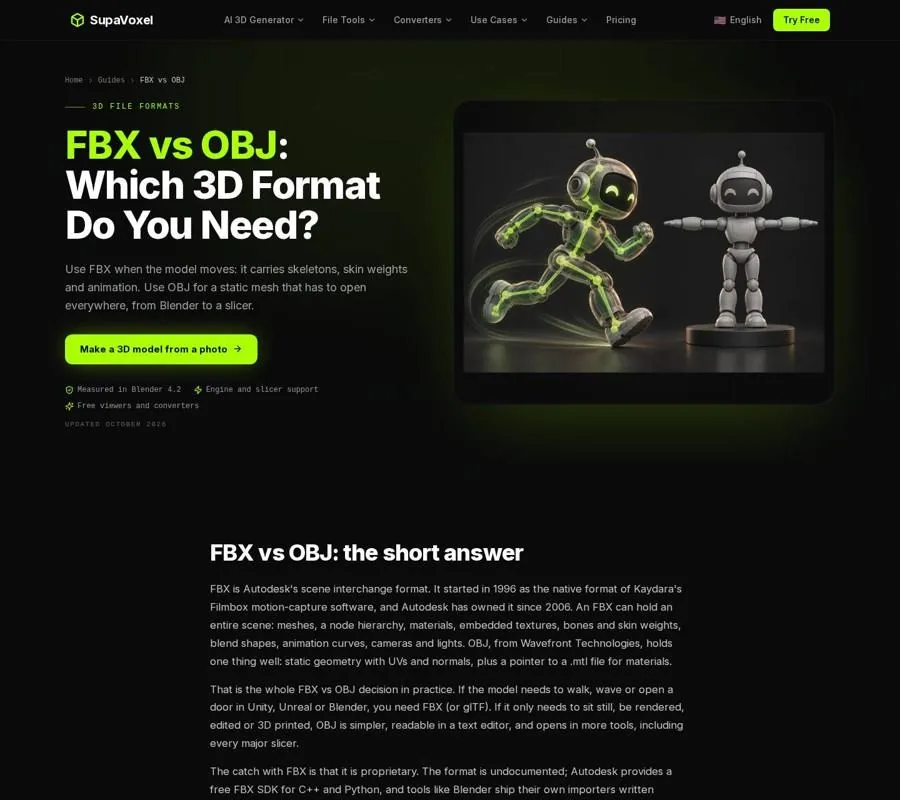
The format comparison separates character-animation data from the static geometry both files can carry.
Choose by what the next person must edit
Before exporting, I ask what the recipient needs to do with the character. “Open the model” is not a specific enough requirement. Viewing a sculpt, changing a material, adjusting a pose and playing an animation all call for different data.
If an animator must move the limbs, send the rigged source or an FBX export that includes the skeleton and weights. If a developer needs the character’s motion clips in an engine, make sure those clips are part of the export and appear after import. FBX is common in Unity and Unreal character workflows because it can transfer the mesh and motion data together.
If a sculptor only needs the current shape as a reference, OBJ may be easier to work with. Its geometry is readable across a wide range of tools, and its text format can be inspected without a specialized file viewer. The trade-off is deliberate: the recipient receives the shape, not the controls that produced it.
For a static game prop, either format may work. FBX can preserve an object hierarchy and pivots; OBJ is straightforward for a single mesh. Do not choose FBX merely because a file is headed for a game engine. Choose it when the extra scene or animation data has a job to do.
Check the FBX inside the engine
A successful import is not proof of a successful character handoff. A mesh can appear in the scene while its skeleton or clips are absent. I check the imported asset rather than relying on the filename:
- Inspect the hierarchy. Look for the expected mesh parts and bones. If only a mesh appears, return to the exporter settings and the source file.
- Test deformation. Move or play the character and watch joints, clothing and other weighted areas. A skeleton existing in the file does not, by itself, prove that the skin weights came through correctly.
- Play the intended clips. Verify that the motions needed for the game are present, rather than assuming every animation in the working scene was exported.
- Check scale and materials separately. FBX stores a unit scale, and importing apps can interpret it differently. A scale or material problem is worth fixing, but it is not evidence that the rig survived.
For a Unity workflow starting from an image-generated asset, SupaVoxel’s Unity 3D models guide explains its GLB import route and the alternative OBJ and FBX paths. Its generated models are static meshes without skeletons or animation clips. Importing one as a prefab does not make it a rigged character; rigging is a separate task.
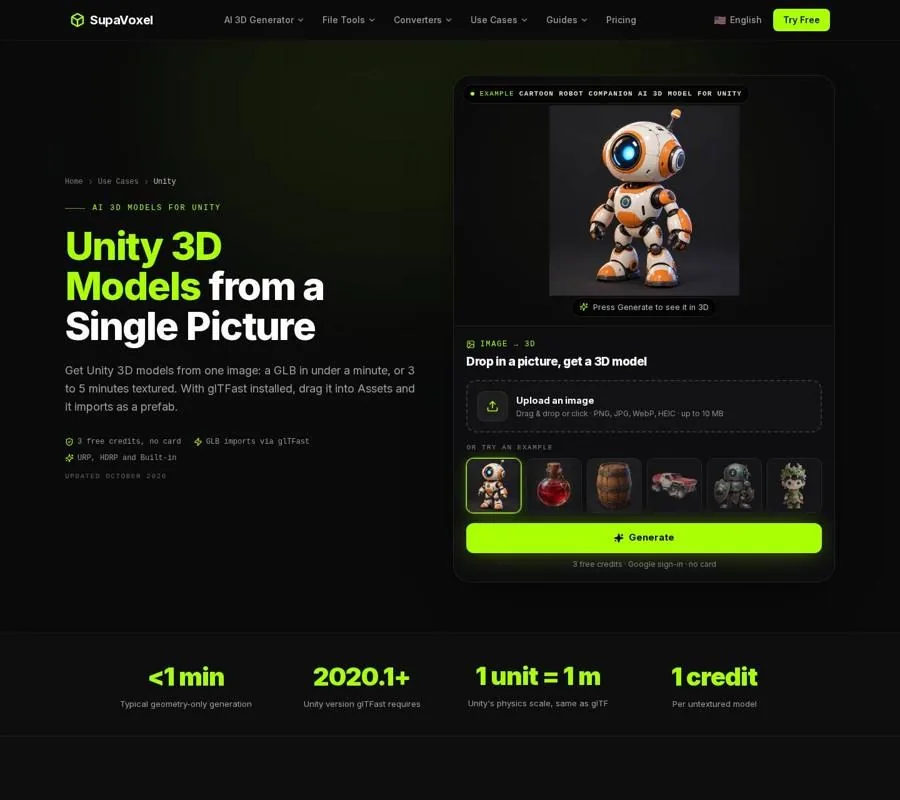
The Unity page shows where a model enters the project; the imported asset still needs inspection for the data your character workflow requires.
When a static OBJ is the right deliverable
Sometimes the requested result really is a frozen character. A reviewer may need to inspect the silhouette, or another artist may need a static mesh in a tool that reads OBJ reliably. In that case, the missing rig is not a conversion failure. It is a consequence of choosing a format built for a different task.
If the source is FBX, pose the character before making the static export. SupaVoxel’s FBX to OBJ converter writes the loaded pose as OBJ geometry, keeps mesh parts separate and can package an MTL with texture images. It drops the skeleton, skin weights, blend shapes and animation. Keep the original FBX if further posing or animation might be needed.
Check appearance as well as shape. OBJ materials depend on a companion MTL, and textures are separate image files. Sending only the OBJ can leave the recipient with an untextured model. Also check scale: OBJ declares no units, so the importing app decides what its coordinate numbers mean. Confirm the expected size with the recipient instead of assuming both apps will agree.
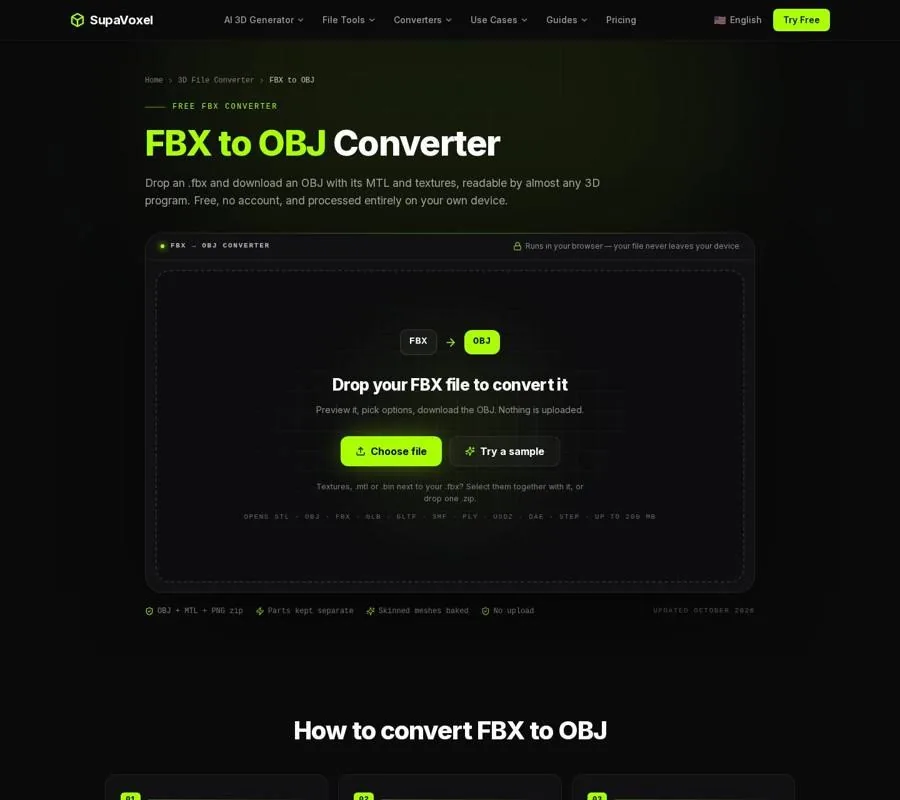
The converter’s options address the static handoff, including materials and output size; they cannot preserve motion in OBJ.
Can you turn the OBJ back into an FBX?
Yes, but the result is still a static character until someone rigs it. SupaVoxel’s OBJ to FBX converter keeps OBJ objects or groups as separate FBX models, along with UVs and normals. It lets you choose what units the OBJ numbers represent. It does not create a skeleton or animation.
That distinction matters when an engine or another character tool asks for FBX. Converting can satisfy the file-format requirement, but it cannot reconstruct how the original vertices followed bones. If the only surviving copy is an OBJ, rigging and weighting must be done again before the character can deform as intended.
There are other limits to consider. This converter triangulates faces, so it is not the route I would choose for a quad mesh meant for continued subdivision modeling. It also writes material colors rather than embedding texture images in the FBX. Keep the original images available if the next app needs the textured look.
A handoff checklist that prevents surprises
I label a character deliverable by what it contains, not just by its extension. “Rigged FBX with animation” and “static OBJ in approved pose” tell the recipient far more than filenames alone.
Before sending either one, open the exported file in the intended receiving app when possible. Check the mesh parts, pose, dimensions and appearance. For an animated FBX, inspect the bones, deformation and clips. For an OBJ, include its MTL and required images, then confirm that the static pose is the one the recipient wanted.
Most importantly, keep the editable character source. A static export is useful precisely because it leaves complex scene data behind. That simplicity becomes a problem only when someone expects to retrieve the discarded rig from it later.
FAQ
Does every FBX character have a rig?
No. FBX supports skeletons, skin weights and animation, but an exporter can also write a static mesh. Inspect the imported file for the data you need.
Can OBJ keep a character’s pose?
Yes. OBJ can store the mesh as it appears in a chosen pose. It cannot store the bones or animation needed to change that pose as a rigged character.
Which format should I send for an animated game character?
Send an FBX that you have checked for its skeleton, skin weights and required clips. If the recipient asks for OBJ, clarify that they will receive a static mesh instead.