If you are looking for image to stl options, this pricing comparison shows how AI generation, stock models, and freelance work differ once cleanup and print preparation are included.
The cheapest way to get a 3D model depends on what the finished asset must do. I compare the price of generating a shape, licensing an existing model, and paying someone to build exactly what you need—then show where the apparent bargain can become extra work.
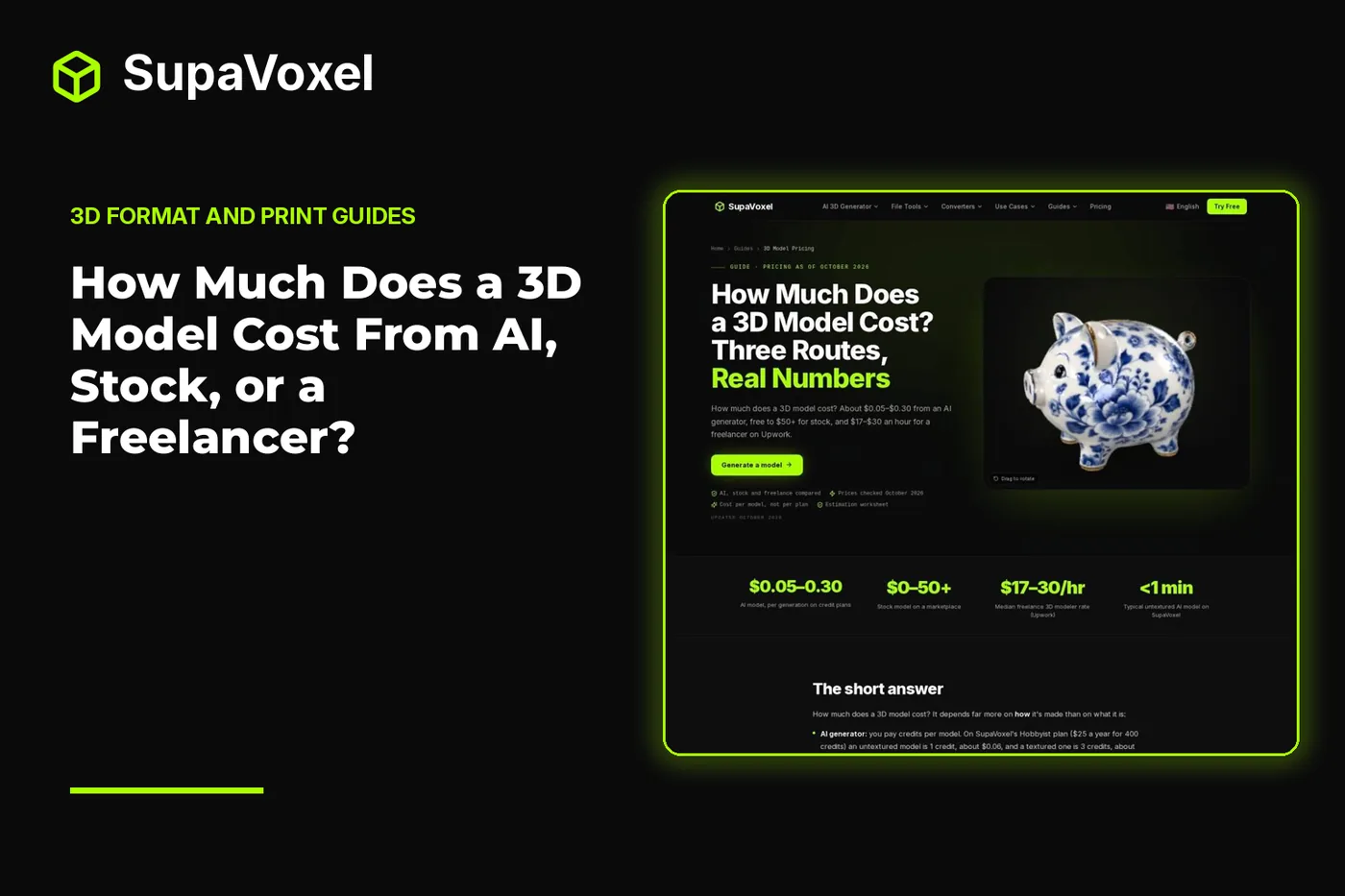
The short version
- AI generation costs roughly $0.05–$0.30 per model on credit plans as of October 2026. Choose it when a picture communicates the shape and an approximation is acceptable.
- Stock models range from free to $50 or more. Search first when the object is common, but check the license and the actual file before building around it.
- Freelancers charge a median of about $17–$30 an hour. Pay for custom work when dimensions, animation topology, or a particular design must be right.
- Compare the usable result, not just the download price. Cleanup, revisions, licensing, and print preparation can change which route costs least.
Compare the cost of a usable model
The 3D model pricing guide puts AI, marketplace, and freelance prices side by side. Its most useful distinction is between buying a model and buying a model that already meets your brief. Prices below reflect its October 2026 comparison.
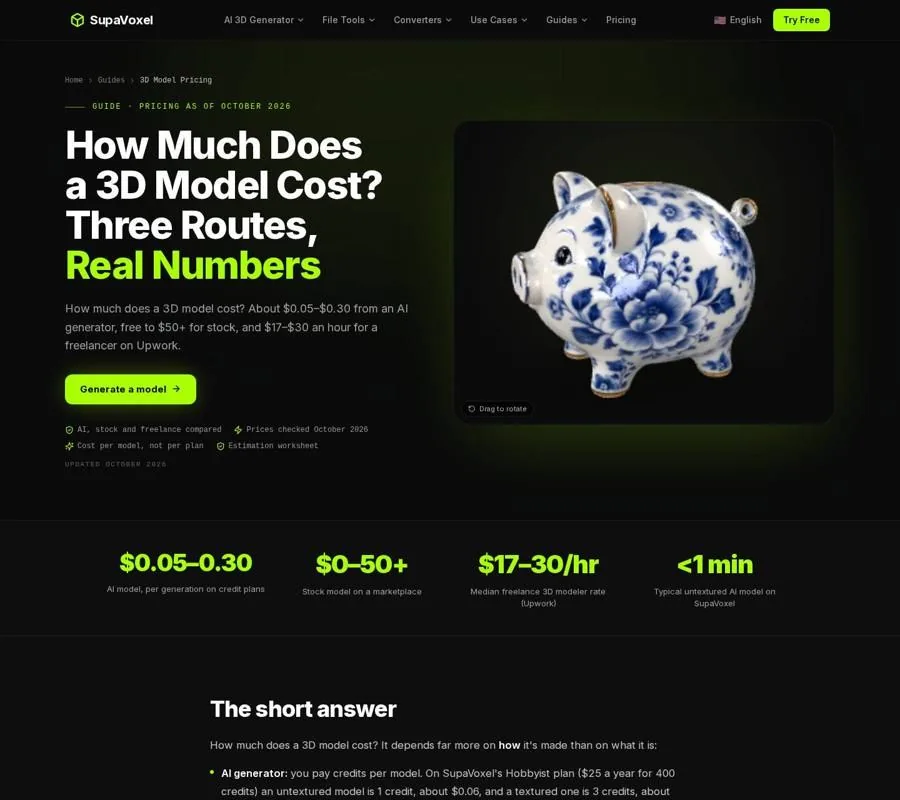
The pricing guide compares what each route costs per model and what that route is suited to.
A stock chair might be ready to place in a scene. A generated chair might have the right silhouette but need cleanup. A commissioned chair could match a specific product, provided the brief includes the measurements and views needed to make it. Those are different purchases, even if the thumbnails look alike.
I start by writing down what would make the asset unusable. Would a slightly different silhouette matter? Must it deform when animated? Does it have to fit another physical part? That question narrows the route faster than browsing plan prices.
Choose AI when the shape can be approximate
AI is a sensible first pass for a prop, concept, or figurine described well by an image. It infers the sides the picture does not show; it does not measure them. That distinction matters if the result is headed into an assembly or must reproduce a real product precisely.
Credit prices are easier to compare per output than per subscription:
- SupaVoxel Hobbyist — $25 a year for 400 credits; about $0.06 for an untextured model or $0.19 for a textured one.
- SupaVoxel Starter — $19 a month, with a $9 first month; about $0.05 untextured or $0.14 textured.
- SupaVoxel pay-as-you-go — $20 for 200 credits; about $0.10 untextured or $0.30 textured.
On those plans, an untextured generation uses 1 credit and a textured generation uses 3. New accounts get 3 free credits at sign-up. The relevant question is not just which plan has the lowest price per credit, but whether you will use its credits before they reset: Hobbyist credits remain valid for the year, while monthly subscription credits generally reset each cycle. SupaVoxel automatically refunds credits for failed generations.
Only pay for texture if the destination uses it. An STL carries geometry, not a color texture, so texture adds nothing to a single-color STL print. A rendered prop or textured game asset is a different brief. If you are choosing between making a mesh from a reference and generating one to edit, the image to 3D Blender methods compare manual modeling, displacement, photogrammetry, and importing an AI-generated GLB. That is useful when “I have an image” does not yet tell you which kind of geometry you need.
Search stock before commissioning a common object
A marketplace model costs anywhere from free to $50 or more in the October 2026 comparison. Stock is often the quickest route for a familiar object that need not match a particular reference. You can inspect an existing design rather than ask someone—or a generator—to invent it.
The catch is that downloadable does not mean usable for your project. Check the asset’s license before using it commercially, and check its format, scale, materials, and mesh after download. A render asset can look complete in a preview while requiring work for another destination. For printing, surfaces need to form a closed solid; for animation, attractive surfaces alone do not provide the edge loops needed for predictable deformation.
The free Blender models guide is a useful starting point when you need an existing asset: it compares sources and explains licenses and import methods. In particular, CC0 permits commercial use without attribution, while CC BY requires credit and CC BY-NC does not permit commercial use. “Free” describes the price, not the permission.
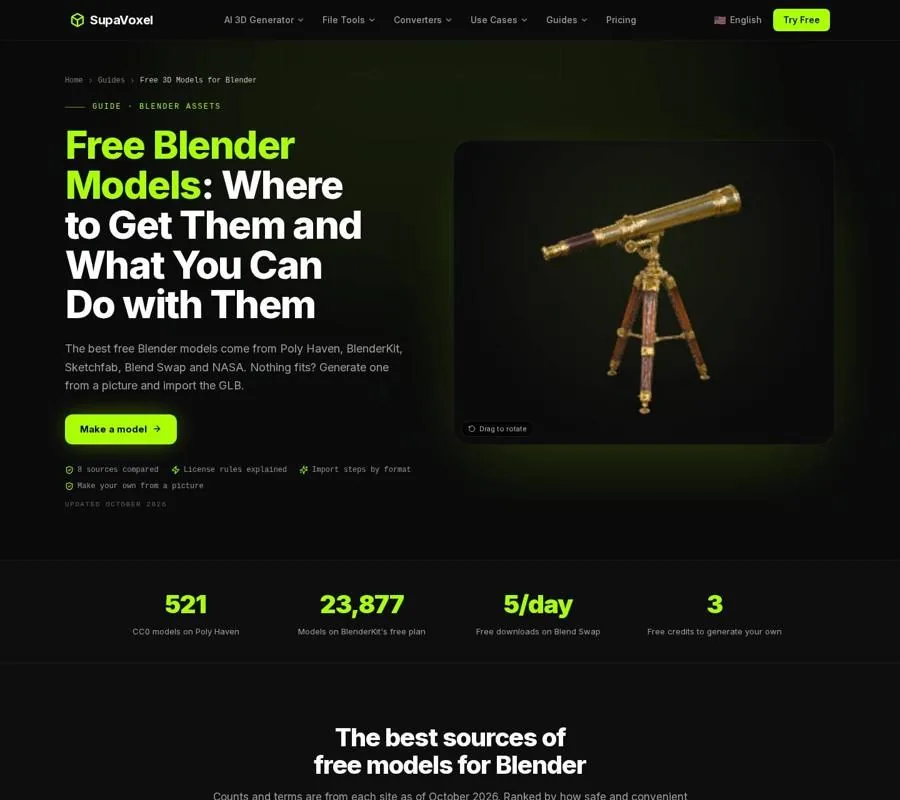
The Blender models guide helps separate places to find an asset from the license and import checks needed to use it.
I would search stock before commissioning a generic background prop. I would stop searching once the brief depends on details a near-match cannot supply. Time spent adapting the wrong asset is part of its cost, even when the download itself costs nothing.
Hire when correctness is the deliverable
Freelance modeling is priced in hours, not generations. The guide gives a median rate of about $17–$30 an hour; the total depends on complexity and revisions. Its illustrative estimates put a simple prop at 2–5 hours, or $34–$150 at that rate, and a rigged, textured game character at 30–80 hours, or $510–$2,400. Those are budgeting examples, not quotes.
This route makes sense when you can describe a result that must be checked against a specification: dimensions for a product, consistent assets for a brand, or topology that must bend around joints. For animation, the placement of edges matters because a mesh has to change shape cleanly. A dense surface that looks fine standing still may buckle when posed. Paying a modeler for that underlying structure is different from paying for an appealing still image.
Write a brief around the final use. Include reference views, required dimensions, deliverable formats, and what counts as an approved revision. Ask for a fixed quote with a defined revision allowance. A low hourly rate is not automatically a low project cost if the scope is unclear or the model needs substantial rework.
Make the decision before you spend
I use this checklist to avoid buying the wrong kind of asset:
- Name the destination. Is the model for a print, a static game prop, a render, or animation? This determines whether you need a closed printable mesh, textures, or deformation-friendly topology.
- Define what must match. If the outline can be approximate, AI is worth considering. If you would check a dimension with calipers, use a measured modeling process or commission the work.
- Look for an existing asset. For a common object, inspect stock models and their licenses before paying to create another. Reject a near-match if adapting it would defeat the point of buying it.
- Price the work after acquisition. Budget for repairs, retopology, texture work, or revisions where the chosen asset needs them. For a print, the slicer will show filament usage; material cost is that usage multiplied by your spool price.
- Test the biggest uncertainty early. A generated draft can show whether an image communicates the idea. A stock download can reveal whether its mesh suits the job. A freelancer’s brief can expose missing measurements before modeling begins.
For example, a personalized figure is not the same purchasing decision as a measured product model: likeness, printability, and size matter more than exact engineering dimensions. The guide to making 3D figures covers the sculpting, scanning, AI, and studio routes if that is the actual job. Choose that workflow for its result, not simply because one model-generation price looks low.
FAQ
Is AI always the cheapest way to get a 3D model?
It has the lowest listed per-model price for many approximate shapes, at roughly $0.05–$0.30 on credit plans as of October 2026. It is not the cheapest completed job if correcting dimensions or rebuilding topology takes more work than using stock or hiring a modeler.
Can I use a free stock model commercially?
Only if its license permits it. CC0 allows commercial use without credit; CC BY allows it with attribution; CC BY-NC does not allow commercial use. Read the terms attached to the individual asset.
Why does a freelancer cost so much more than an AI model?
You are paying for time spent interpreting a brief, building the required structure, checking accuracy, and making agreed revisions. That work matters most when an approximate visual match is not enough.